For a better Nokia.com experience, please view the website with Microsoft Internet Explorer 9

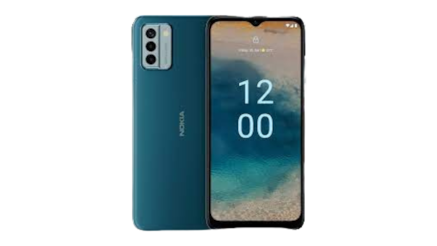
Having problems with your Nokia phone?

We’ve found that many phone problems can be fixed yourself in a few minutes – including phone lock-ups, application crashes, sound problems and a blank display. So before you contact us for a repair, try these fixes:

Easy fix 1: restart your phone

Turn your phone off and take the battery out, wait a few minutes then put the battery in and turn your phone on. If your battery is not removable,  press the power button until the phone vibrates 3 times.


Easy fix 2: restore the factory settings

We recommend you back up your data first.  

Then go to Menu > Tools > Settings > General > Factory settings or Menu > Settings > Phone > Phone mgmt. > Factory settings. For more on this, see your phone’s user guide.


Easy fix 3: update your phone’s software

You might not be using the most recent software for your phone. If you need to update, it takes about 15 minutes – back up your data and contacts first so you don’t lose them.


Many Nokia phones can update automatically: select Menu > Settings > Phone > Phone Updates. If this option isn’t available on your phone or if you need more help, see how to update your phone software.

Repair Services


Use our self service tools for repair and troubleshooting assistance:

Easy fixes did not resolve the problem?

If your Nokia phone needs repair, the next step is to check your warranty and repair information.

Read more about your phone's limited warranty (available in English and Spanish).

Accessory Repair

If you experience a problem with a Nokia Original Accessory, please return the item to your local dealer where you purchased the product. Your local dealer will help determine the problem and if your accessory is covered under the Nokia warranty. Please reference our Nokia Original Accessories Limited Warranty for more information.

If your dealer is not able to assist you or if you prefer to contact Nokia directly about a problem with your accessory,
please contact us.