
Nokia WiFi Beacon G3.1
Premium Wi-Fi 6 performance plus a telephone port

Overview
Create or extend a Nokia WiFi mesh network with Wi-Fi 6
- Nokia WiFi mesh creates a seamless Wi-Fi network throughout the home
- Fast and reliable Wi-Fi with a capacity of AX3000 for typical Wi-Fi usage
- Simple, app-based setup and management
- Can be extended with Beacon 3.1 units
- Provides one telephone port for voice services
Benefits and features
Unstoppable Wi-Fi with additional services
- Intelligent channel selection guarantees the optimal Wi-Fi channel, avoiding any Wi-Fi glitches
- Dynamic backhaul management ensures Nokia WiFi Beacons are perfectly connected with one another
- Voice services through the embedded telephone port
Fast Wi-Fi
- 2x2 MIMO on 2.4 GHz
- 2x2 MIMO on 5 GHz
- PHY rate of AX3000
- Supports 160 MHz channel width
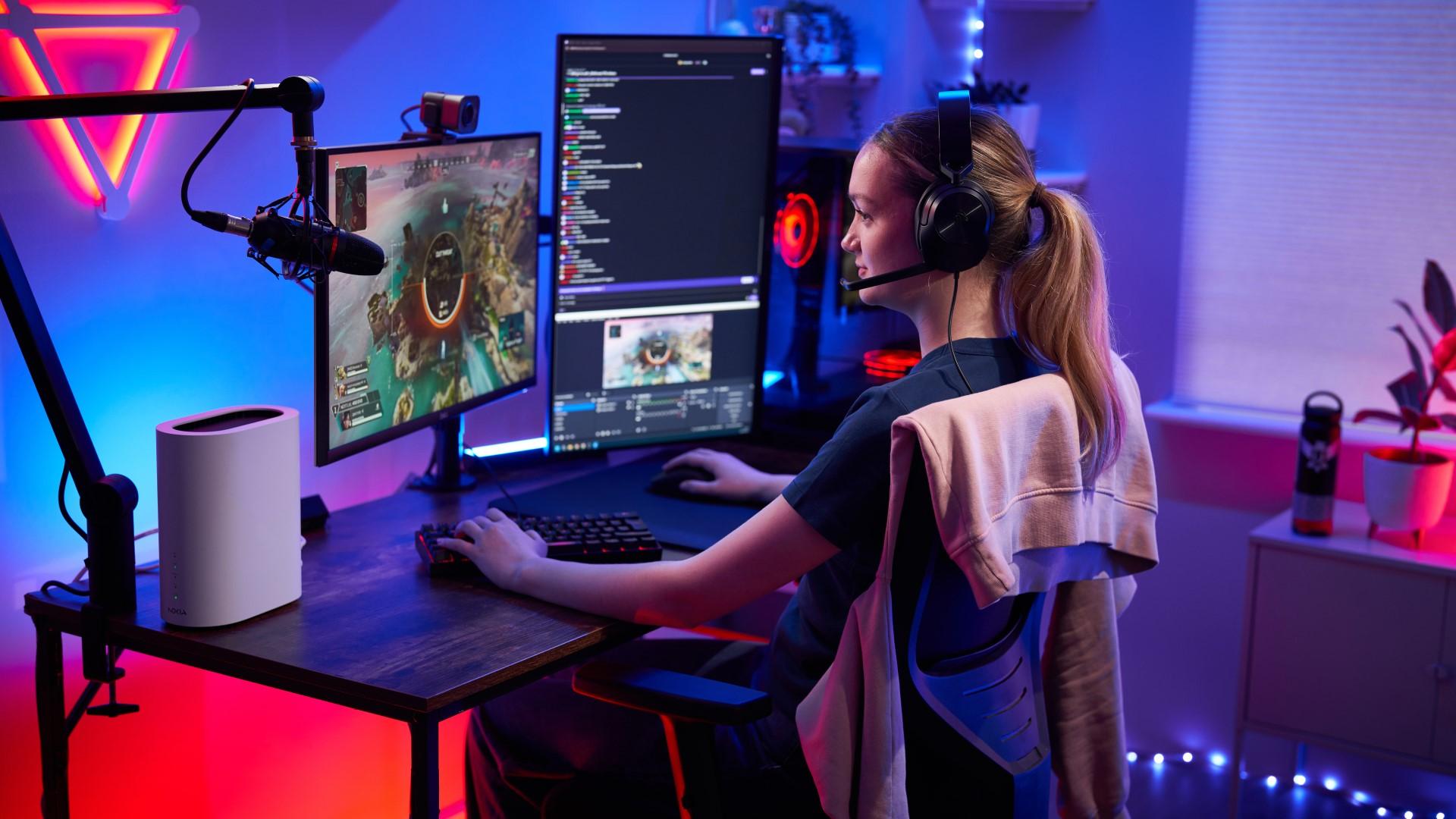
- Supports 4K video streaming and gaming
Whole home Wi-Fi coverage
- One unit covers up to 140 m2 (1500 sq. ft)
- Add up to 5 Beacon 3.1 units to cover a large or multi-story house
- Backhaul can be Ethernet cable/Wi-Fi
- The Beacon G3.1 is EasyMesh™ compliant for interoperability
Powered by Corteca

Boost your competitiveness with value-add applications
Our application containers can enhance the user experience, create customer loyalty, and bring you new forms of revenue. Use them to diversify your value-added offer, introduce new services, and get them to your subscribers more quickly.
Manage and optimize Wi-Fi networks
- Leverage the Corteca Home Controller for an advanced helpdesk, proactive Wi-Fi optimization and network-wide visibility
- Give your customers a local web interface that can be customized (branding, stylesheets, control what the end user can see and configure).
Nokia WiFi mobile app

Ready to go
The Nokia WiFi mobile app is packed with useful features, from analytics to parental control.
The mobile app ensures that the network is quick to set up, and simple to manage.
Step-by-step instructions and tips
The Nokia WiFi mobile app gives your customers step-by-step instructions on how to install or extend the Wi-Fi network.
Scanning a QR code is the only thing they really need to do.
The app provides tips on how to connect Beacons and where to place them.
It even helps customers find the best location by testing the Wi-Fi signal.
Specifications
Physical characteristics
- Height: 169 mm (6.7 in)
- Length: 120 mm (4.7 in)
- Width: 60 mm (2.4 in)
- Weight: 0.36 kg (0.8 lb)
Wireless LAN interfaces
- 802.11b/g/n/ax 2.4 GHz: 2x2 MIMO
- 802.11ac/ax 5 GHz: 2x2 MIMO
- Maximum EIRP on 2.4 GHz up to 500 mW and on 5 GHz up to 1 W (dependent on hardware variant and local regulations)
- Supports 160 MHz channel width
Ethernet interfaces
- WAN side: One 10/100/1000Base-T interface with RJ-45 connector
- LAN side: Three 10/100/1000Base-T interfaces with RJ-45 connector
POTS interface
- One FXS port for VoIP service with RJ-11 connector
- Multiple codecs: ITU-T G.711, ITU-T G.729
- SIP (RFC 3261)
- 3 ringer equivalence numbers (RENs) per line

Related solutions and products
Learn more about home connectivity

Topics
In-home connectivity
Videos
5G Cybersecurity: Claro and Nokia safeguarding Colombia's largest mobile network
Videos
Norlys' core transformation: Security comes first
Webinars
Securing the telecom core networks - Webinar replay
Videos
WiFi Beacon 10
Videos
Gaming, the last Wi-Fi frontier
Topics
Got game?
Videos
Game-changing Wi-Fi 7 at ALGS
